
Quick plotters#
The madcubapy.visualization package also offers various functions to quickly
perform some tasks that do not need to be saved. The functions described in this
page work on MadcubaMap and CCDData objects.
Quickly plot a map#
To quickly show the contents of a MadcubaMap or
CCDData object in a pop-up window, we can use the
quick_show() function on the object.
>>> quick_show(madcuba_map)
This function accepts additional parameters that are passed to
matplotlib.pyplot.imshow().
>>> quick_show(madcuba_map, cmap='jet', norm='log')
Compare two maps#
We can compare if two map objects are equal with the
are_equal() function. This function returns a
boolean value indicating if they are equal or not.
This function can also plot the maps, and show the residuals of their
substraction if show_maps is set to True:
>>> are_equal(madcuba_map, madcuba_map.ccddata, show_maps=True)
Checking if the two maps are equal
True
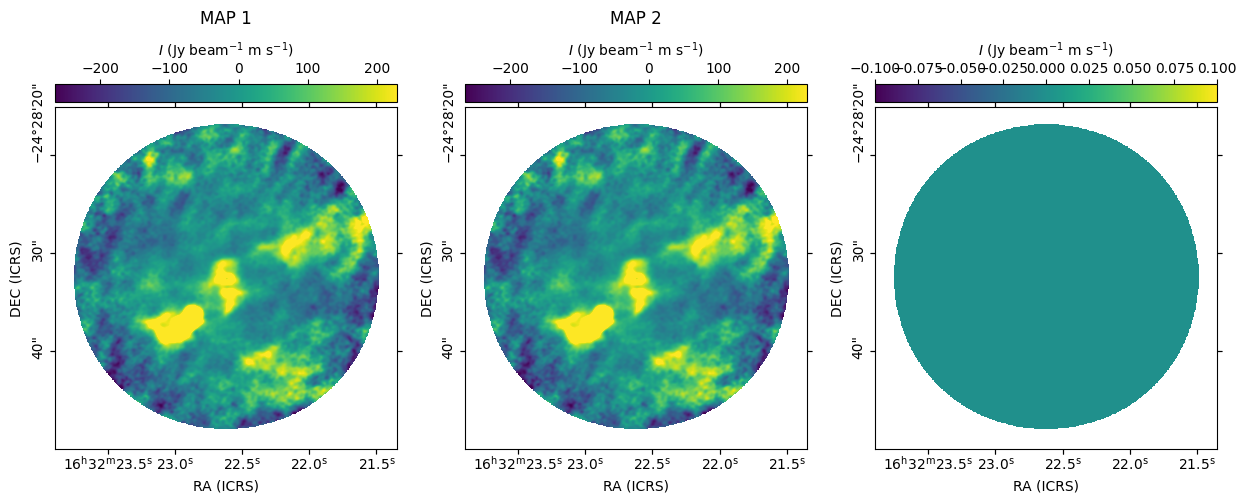
Here we see that the CCDData inside the ccddata attribute
of a MadcubaMap contains the same information.